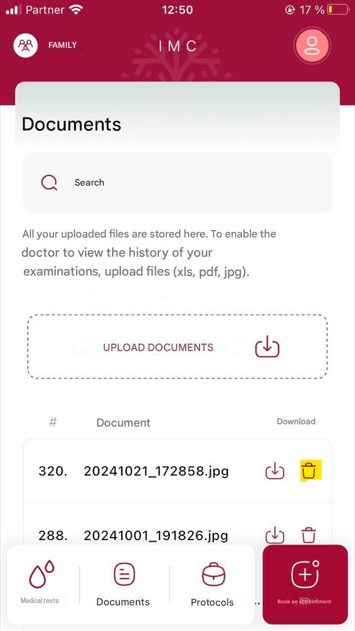
Upload and manage files
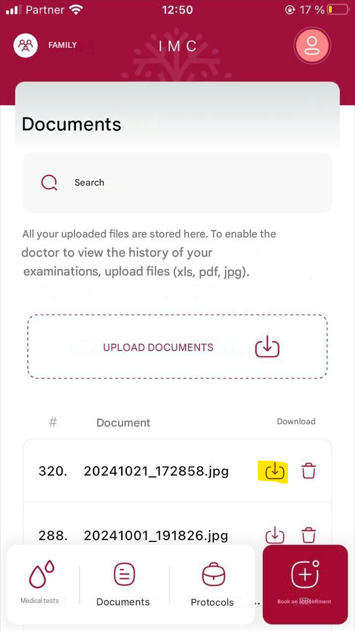
Navigation: Main Patient’s app screen>Documents
The Upload and Manage Files section allows patients to securely store, organize, and share important medical documents directly within the app. This feature supports better communication with healthcare providers and ensures all relevant health information is readily accessible.
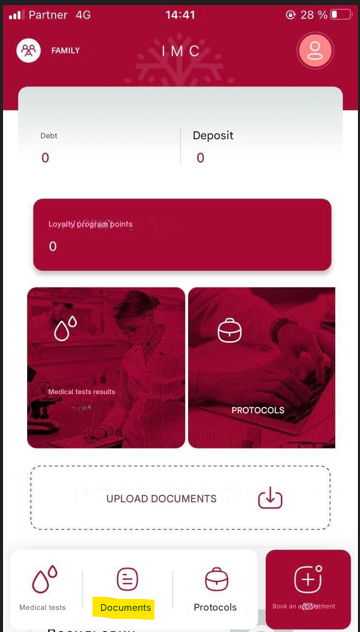
Key features include:
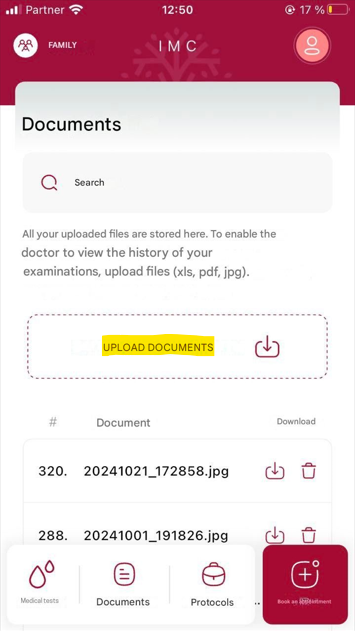
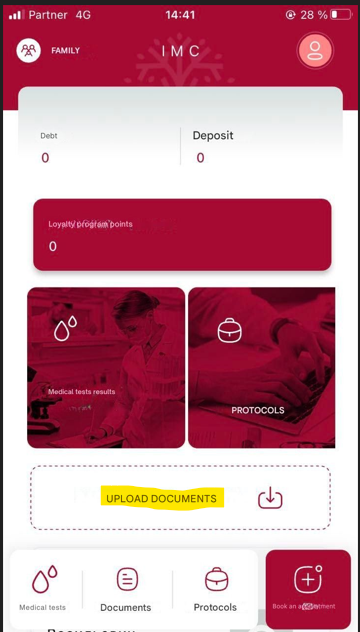
File Upload: Patients can upload medical records, prescriptions, referral letters, imaging results, and other health-related documents in supported formats (e.g., XLS, PDF, JPG). It can be done directly from the main screen by tapping the Upload documents button or from the Documents section by tapping the Upload documents button.
Secure Access: All uploaded documents are stored securely with encryption and access controls to protect patient privacy.
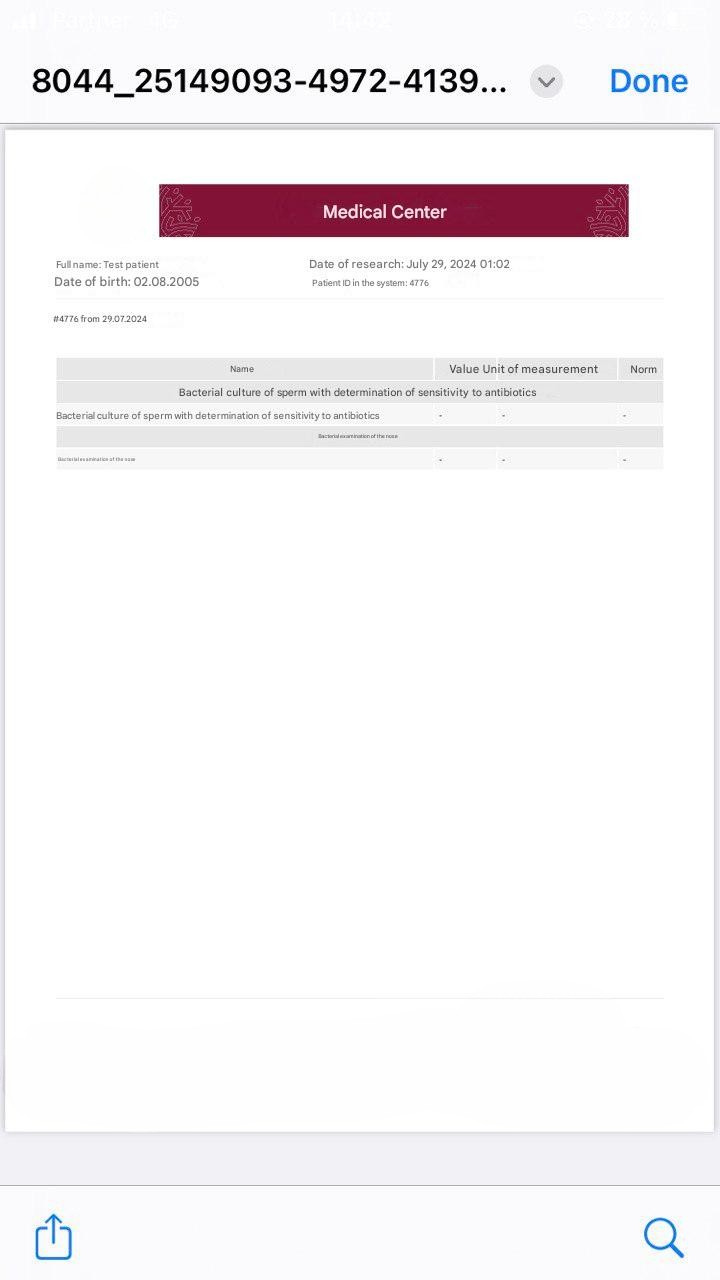
View & Download: Patients can view files directly in the app or download them for personal use. It’s possible by tapping
near the document name.
Share with Providers: Quickly share selected documents with doctors during appointments or consultations.
File Management: Delete (by tapping
 near the document name), replace files as needed to keep records up to date.