Protocols
Navigation: Main Patient’s app screen>Protocols
The Protocols section provides patients with structured information and guidance related to their treatments, diagnostic procedures, or health programs. This feature is designed to support better understanding, preparation, and adherence to medical plans.
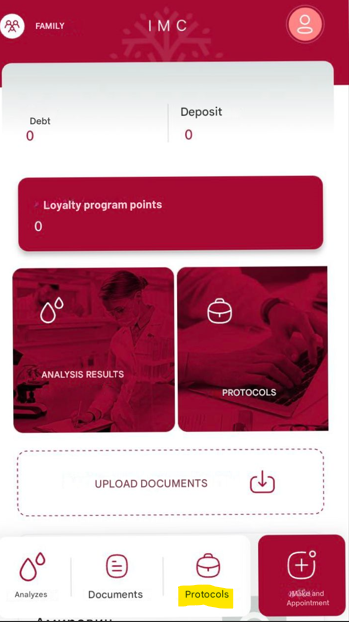
Key features include:
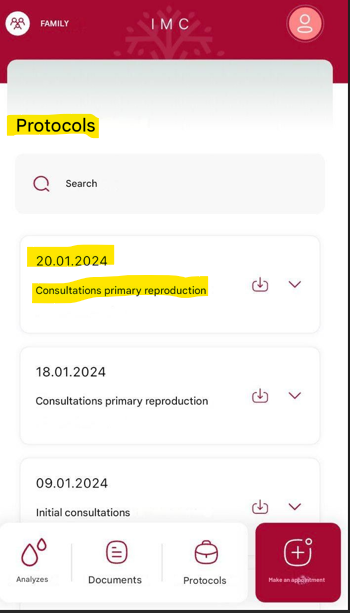
Full patient’s protocol history and detailed information for each
For each protocol, the patient can view protocol date, short description, doctor’s name, referral description, etc.. To view detailed information about each protocol, the patient needs to tap .
.
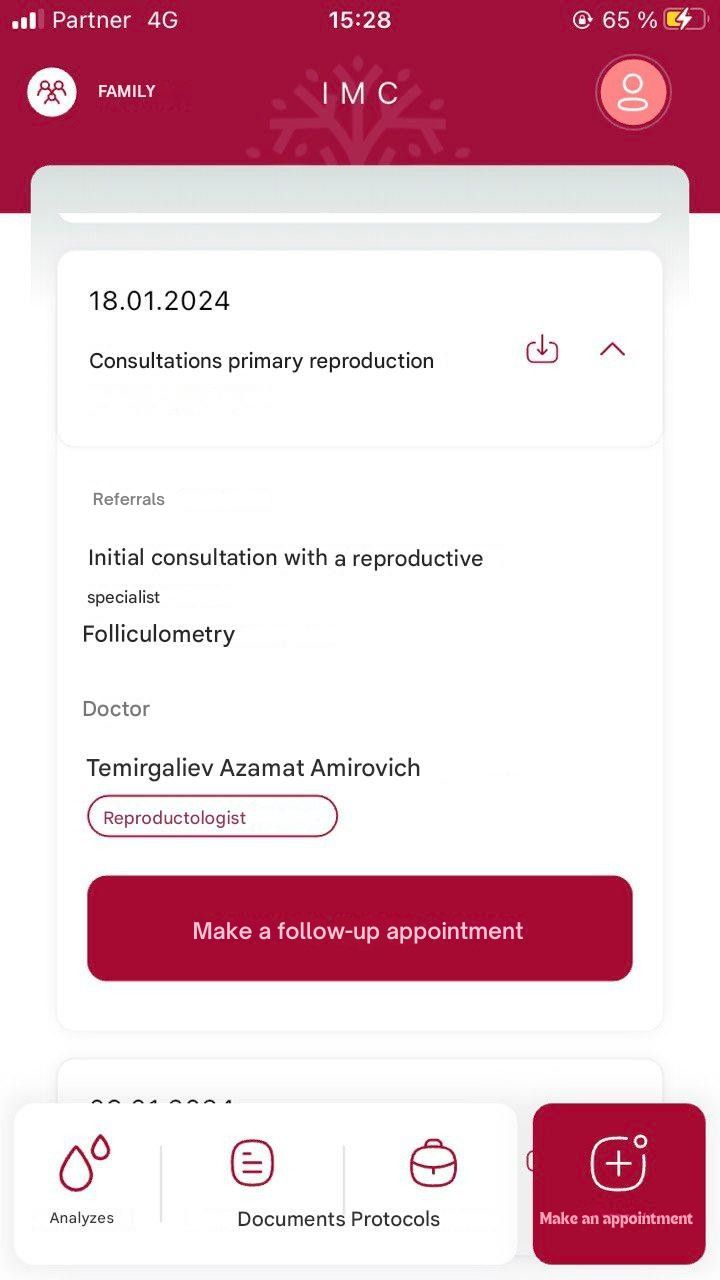
Make a follow-up appointment
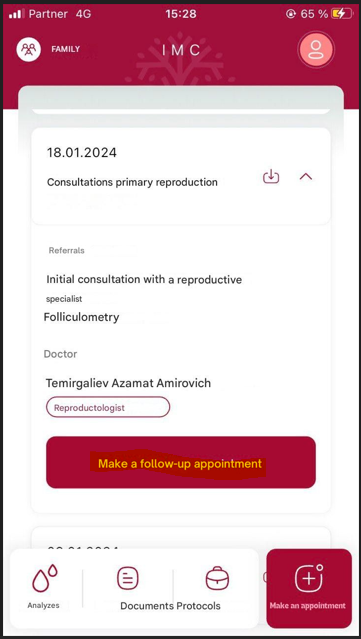
The patient can make a follow-up appointment based on the selected protocol by tapping “Make a follow-up appointment“ button.
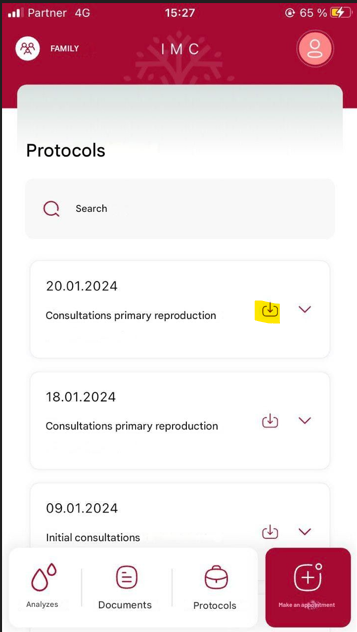
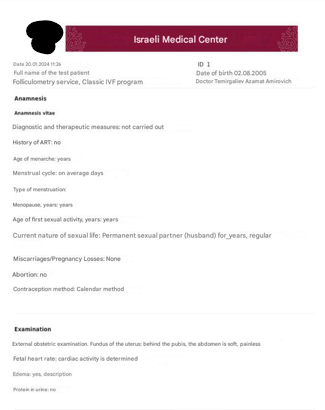
Download and view a medical document
The patient can download and view the medical document for the selected protocol by tapping button.